
Only Owners/Edit Access holders of an MxToolbox account can change or update the provided email address. These users have permissions to modify all account settings, but changing an account's email address CANNOT be done online.
Click here to learn about User Permission Levels.
Read-Only/Billing-Only users CANNOT change the email address originally provided during setup. If your email address is grayed-out, it means you are categorized in one of those options. See the below example.
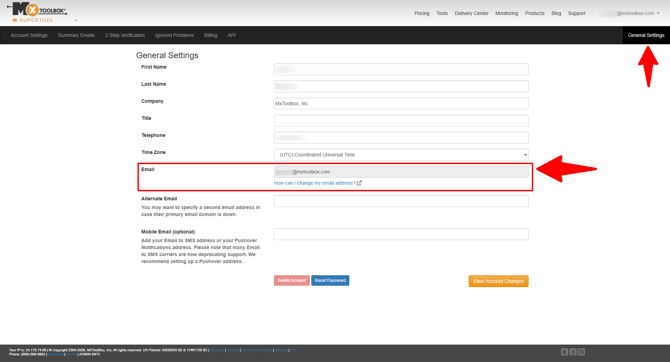
Note: Free users need to create a new account and use the email address you want connected to MxToolbox during the new account's setup.