
Follow these steps to update your billing address:
- Log in to your MxToolbox account.
-
You can access your billing address details from the Billing tab.

Or, you can click on your username/email address in the top right corner, then click on Billing.

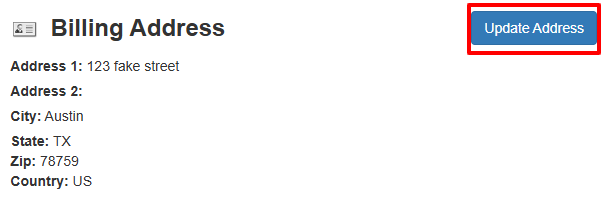
- Click the blue Update Address button to update your billing address information.
For information on how to update your credit card, click here.